How Workflow Automation Saves Small Businesses 10+ Hours a Week
SmartFlowCRM Team
Content Team
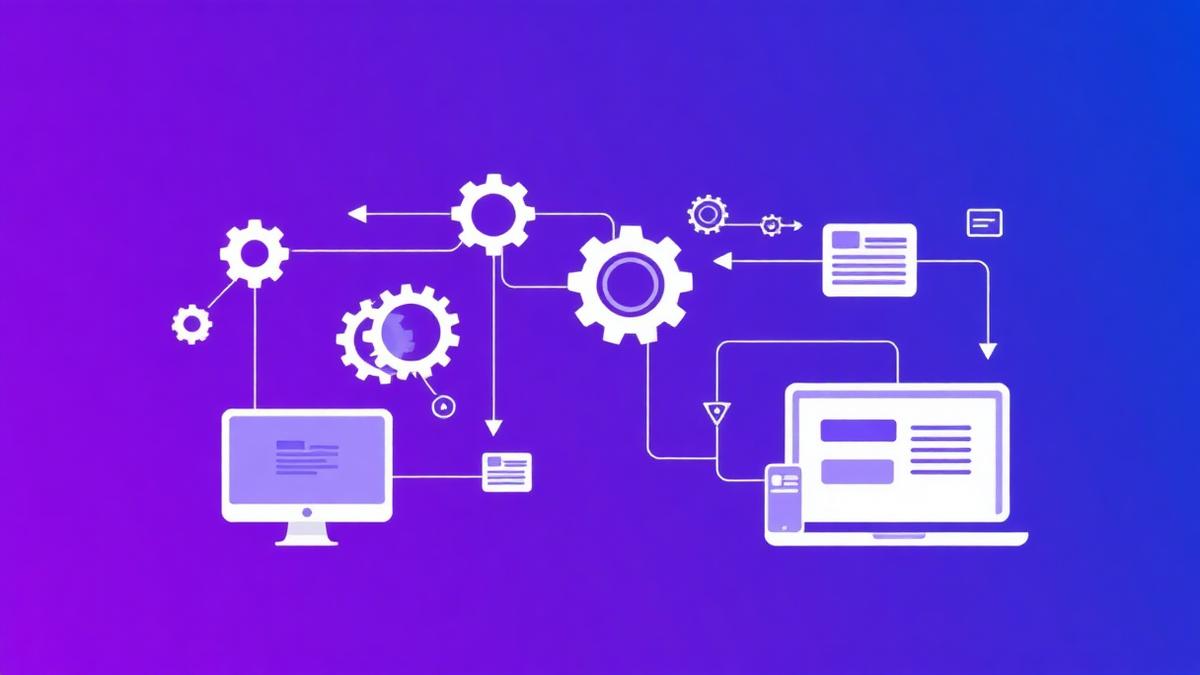
What workflow automation actually is (plain English)
Think of workflow automation as a way to get your business processes to run themselves, or at least to run without you doing the same repetitive tasks every day. It is not about robots or replacing people. It is about using simple software to handle routine steps, like sending appointment reminders, producing invoices, or routing jobs to the right person.
For a small plumbing business that might mean when a customer books a job online, the system automatically creates the job sheet, assigns a plumber, sends the customer a confirmation text, and adds the appointment to the team's calendars. All without you lifting a finger. That is what most people mean by workflow automation, plain and simple.
You do not need to be techie to use it. Many systems are set up with clear templates and guides. They can be used on a smartphone, so your team on the van can use the same tool you do in the office. If a name like SmartFlow comes up, that is an example of a tool that helps with this, aimed at trades and small teams.
Common time-wasting tasks it solves
Small businesses bleed time on the same few things. Here are the usual suspects.
These tasks do not generate value. They are necessary, but they do not make your business grow. Automation helps by letting software handle the repetitive work, so your team spends time fixing boilers, not fixing paperwork.
A real-world scenario: Dave, a plumber in Leeds
Meet Dave. He runs a small plumbing firm in Leeds with three plumbers and one admin person, his sister, Sarah. Dave spends most mornings taking calls, scribbling notes, and trying to match jobs to who is available. By lunchtime he is worn out, and the admin backlog keeps growing.
Before automation, a typical week looks like this: Dave takes 20 calls a week that need new job entries. Each one takes about 6 minutes of his time to log, confirm, and schedule. That is two hours a week just for logging. Then Sarah spends 3 hours a week chasing unpaid invoices, and another 2 hours chasing customers who do not show up. The team loses around 2 hours weekly due to messy scheduling and double bookings. Small things add up.
Dave decides to try a workflow tool designed for trades, such as SmartFlow. He uses the onboarding templates to set up job types, default pricing, and automatic confirmations. Now, when a customer books online or calls, the system creates a job, assigns a plumber according to availability, sends the customer an SMS reminder 24 hours before the appointment, and generates a digital job sheet that the plumber signs on arrival.
Sarah can now generate invoices with a click and set up automated payment reminders. Dave gets daily summaries rather than having to chase status manually. The change is simple, and noticeably practical in the day to day.
Specific time savings with examples
Let us break down where those hours come back. Below are realistic, conservative figures for a small firm like Dave's.
Add those conservative savings up and you get roughly 9 hours 10 minutes a week. That is for a very small team and conservative estimates. With a bit more use of automation, such as automated follow-up messaging and integrated payments, Dave gets past the 10-hour mark. Suddenly there is an extra day a week of productive time to take more calls, fit more jobs, or finish early for family time.
It is also worth noting the less tangible savings: fewer mistakes, less stress, and better customer reviews. Those matter when you are building repeat business.
How to get started
Start small. You do not need to change everything overnight.
1. Identify the biggest time drains. Spend a week noting which tasks eat your time, such as quote creation, invoicing, or chasing no-shows.
2. Pick one task to automate first. The quickest wins are usually appointment confirmations, invoicing, or online booking. If you want a single tool for trades, look at SmartFlow and similar systems that come with trade-specific templates.
3. Try a free trial or demo. Most providers offer a trial period. Use it with your team on a couple of real jobs. See what works and what feels awkward.
4. Create simple templates. For example, set up an SMS confirmation template and an invoice template. You will save time every time they are used.
5. Train the team for 30 minutes. Show the plumbers how to open job sheets on their phones, mark jobs as complete, and take a digital signature. Keep it practical.
6. Measure the impact after two weeks. Count the time spent on tasks you automated, and compare it to before. Small wins justify expanding automation to other areas.
If you are not confident with setup, ask for help. Many vendors offer onboarding support, or you can get a friendly local IT person to help. The aim is to make the tool fit your workflow, not the other way around.
Quick tips for non-techy business owners
Keep it simple, start with one process, and use the phone app. Choose software with UK support, and ask about data storage if that matters to you. Back up your important records, but most commercial tools have secure backups built in.
Use templates for messages so you are not composing the same SMS every time. Automate small payments with direct debit options if you do maintenance contracts. If a name like SmartFlow appears, check that it supports you with set-up, mobile apps, and local tax settings.
Finally, be patient. There is a short learning curve, but the savings in time and stress make it worth the effort. Think of automation as hiring an invisible helper that works in the background.
The takeaway
For small trades businesses, workflow automation is about getting repetitive tasks off your to-do list, so you and your team can focus on the work that pays. With straightforward tools and a little setup, a plumbing business like Dave's in Leeds can easily save 10 or more hours a week. That is not a promise of miracles, it is practical maths based on simpler processes, fewer mistakes, and smarter scheduling.
If you want to start, look for trade-focused tools such as SmartFlow, pick one task to automate first, and build from there. The goal is better days, not complicated software.
Ready to See What SmartFlow Can Do?
Try SmartFlow free and see how it helps small businesses like yours save time and win more customers.
Start Free Trial